




How to Validate RFID Tags Before Integrating Them Into Existing Systems
Integrating RFID tags into an existing system requires more than selecting a tag with the correct frequency. The tags must work with the current readers, antennas, software, and operating environment.
Without proper validation, businesses may encounter compatibility issues, missed reads, incorrect data records, or unexpected problems after deployment.
So, how should RFID tags be validated before system integration? A structured testing process can help confirm whether the selected tags meet the technical and operational requirements.
Confirm RFID Tag Compatibility
The first step is to check whether the RFID tags are compatible with the existing hardware.
Important factors include:
Frequency: Confirm that the tag operates within the frequency supported by the reader.
Protocol: Check whether the tag and reader support compatible communication standards.
Chip compatibility: Verify that the tag chip supports the required identification and memory functions.
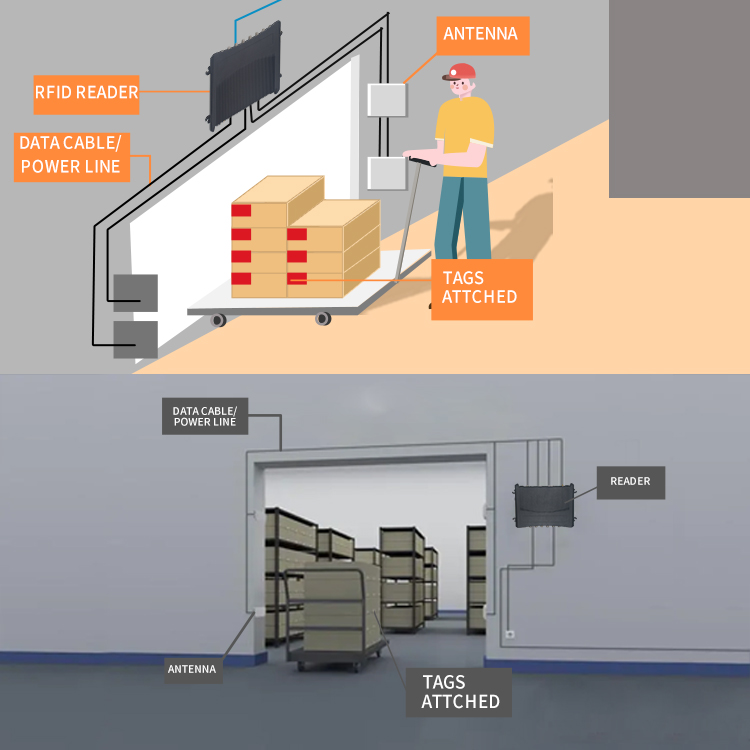
Antenna configuration: Consider whether the tag design is suitable for the reader antenna's polarization and operating conditions.
For example, a UHF RFID tag cannot be used with an HF-only reader. Even when tags and readers operate at the same frequency, protocol and regional frequency requirements must also be considered.
Test RFID Reading Performance
After confirming compatibility, test how consistently the tags can be identified using the existing readers.
A practical test should include:
-
Read individual tags at different distances.
-
Test different tag orientations.
-
Check identification performance with multiple tags present.
-
Repeat tests using the actual reader and antenna configuration.
-
Record missed reads and inconsistent results.
Avoid relying on a single successful reading. Repeated testing provides a better understanding of whether the tags are suitable for normal operations.
Reading distance and performance should be evaluated under the actual installation conditions rather than assumed from product specifications.
Evaluate Material and Environmental Compatibility
The material surrounding an RFID tag can influence its performance.
For example:
Metal surfaces may affect standard UHF RFID tags.
Liquid-containing products may influence RF communication.
Uneven surfaces may affect tag attachment.
Heat, moisture, dust, and chemicals may affect tag durability.
If tags will be attached to metal equipment, consider specialized anti-metal RFID tags.
Testing should use the actual products, packaging, and mounting surfaces whenever possible. For demanding applications, also evaluate the tags under representative temperature, moisture, vibration, and handling conditions.
Verify Tag Data and Identification Accuracy
A tag may be readable but still unsuitable if its identification data cannot be processed correctly by the existing system.
Check the following:
Whether each tag has the expected unique identifier.
Whether the reader returns data in the expected format.
Whether the software can correctly associate tag IDs with product or asset records.
Whether duplicate reads are handled appropriately.
Whether missing or unexpected tag data can be identified.
For example, a warehouse system should correctly associate an RFID tag ID with its corresponding SKU, pallet, or inventory record.
The validation process should also confirm that tag encoding and database mapping follow the company's identification rules.

Test Integration With Existing Software
Hardware compatibility is only part of the validation process. RFID data must also work correctly within the existing business software.
A complete integration test should cover:
| Test Area | What to Verify |
| Reader communication | Whether the reader connects to the existing platform |
| Data transmission | Whether tag data is transferred correctly |
| ID mapping | Whether tag IDs match the correct records |
| Duplicate filtering | Whether repeated reads are processed appropriately |
| Event processing | Whether identification events trigger the expected actions |
| Data synchronization | Whether inventory or asset records update correctly |
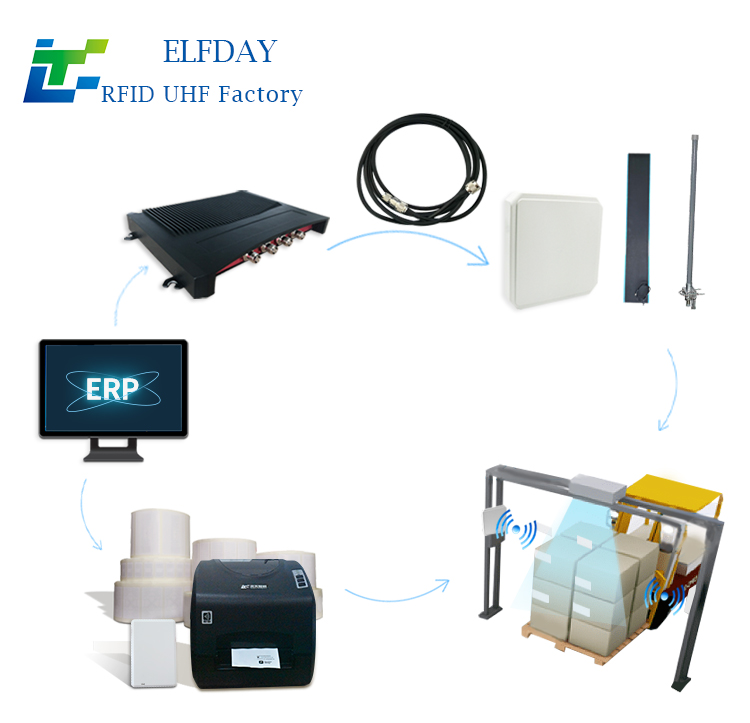
For systems connected to ERP, WMS, MES, or asset management platforms, test the complete data flow before deployment.
Conduct a Pilot Test Before Full Deployment
After laboratory and integration testing, conduct a pilot test in a representative operating area.
Use actual tagged products, existing readers, normal employee workflows, and realistic environmental conditions.
Monitor:
Successful and missed identification events.
Performance with different item arrangements.
Tag attachment and physical condition.
Data synchronization.
System response to unexpected tags.
Operational feedback from employees.
A pilot test helps reveal problems that may not appear in controlled laboratory conditions.
Common RFID Tag Validation Mistakes
| Common Mistake | Potential Problem |
| Checking frequency only | Other compatibility issues may be overlooked |
| Testing only one tag | Multiple-tag performance remains unknown |
| Ignoring installation materials | Reduced reading consistency |
| Skipping software testing | Incorrect inventory or asset records |
| Testing only in a laboratory | Real operating conditions are not evaluated |
| Deploying without a pilot | Integration issues may affect the entire operation |
Validating RFID tags before system integration helps businesses reduce deployment risks and avoid unnecessary changes to existing infrastructure.
A reliable validation process should cover hardware compatibility, reading performance, material and environmental conditions, data accuracy, software integration, and pilot testing.
By evaluating RFID tags under realistic operating conditions, businesses can make more informed purchasing decisions and improve the likelihood of a successful RFID deployment.
Looking for RFID tags for warehouse management, industrial identification, or asset tracking? Explore EFLDAY's RFID tag solutions to find suitable options for your application.

