



How Can You Improve RFID Tag Read Consistency in Busy Work Areas?
RFID technology helps businesses identify assets, track inventory, and automate workflows across warehouses, factories, distribution centers, and other busy work areas. However, when people, equipment, tagged items, and moving inventory share the same space, RFID systems may experience inconsistent reads.
Some tags may be detected immediately, while others are missed or read multiple times. In certain environments, nearby tagged items may also be identified unintentionally. These problems can affect inventory accuracy, asset visibility, and operational efficiency.
Improving RFID tag read consistency requires more than choosing a tag with a longer advertised read range. Tag design, reader configuration, antenna placement, environmental conditions, and software processing all influence system performance.
This guide explains practical ways to improve RFID tag read consistency in busy work areas.
1. Identify the Causes of Inconsistent RFID Reads
Before adjusting equipment, determine why tags are being missed or detected inconsistently.
Common causes include:
-
Unfavorable tag orientation: The tag antenna and reader antenna may not be positioned for effective communication.
-
Metal interference: Metal shelves, machinery, containers, and equipment can affect RF propagation and detune unsuitable tags.
-
Liquid absorption: Water and other liquid-rich materials can absorb or alter radio-frequency energy, especially in UHF applications.
-
High tag density: Large numbers of tags in a small area can increase the demands on the reader's inventory protocol and system configuration.
-
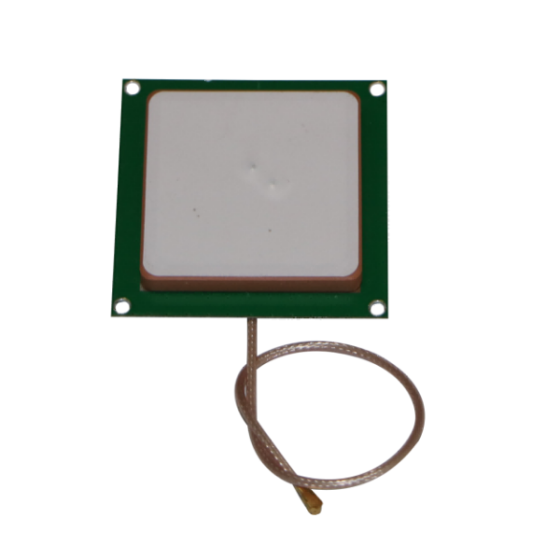
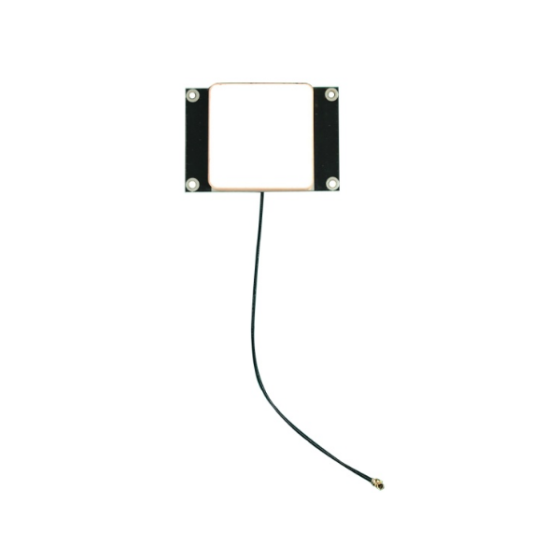
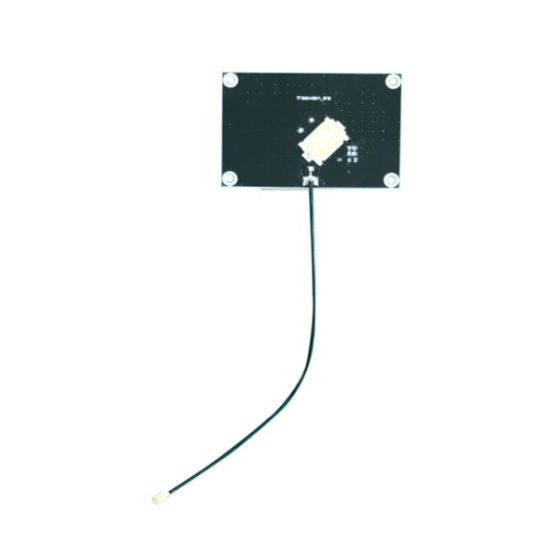
Poor antenna placement: Antennas may create weak coverage areas or unwanted read zones.
-
Excessive or insufficient reader power: Incorrect settings can cause missed reads or detect tags outside the intended area.
-
Movement and timing: Fast-moving items may pass through a read zone before sufficient reading opportunities occur.
-
Software and integration issues: Tags may be read at the RF level but filtered, duplicated, delayed, or incorrectly processed by the application.
Start by documenting where and when read failures occur. Compare results across different asset types, tag positions, operating shifts, and equipment configurations. This helps distinguish physical RF problems from software or workflow issues.
2. Select RFID Tags That Match the Application
A reader cannot compensate for every tag-design limitation. The tag must be suitable for the material, shape, and operating environment of the tagged item.
Use Anti-Metal RFID Tags on Metal Assets
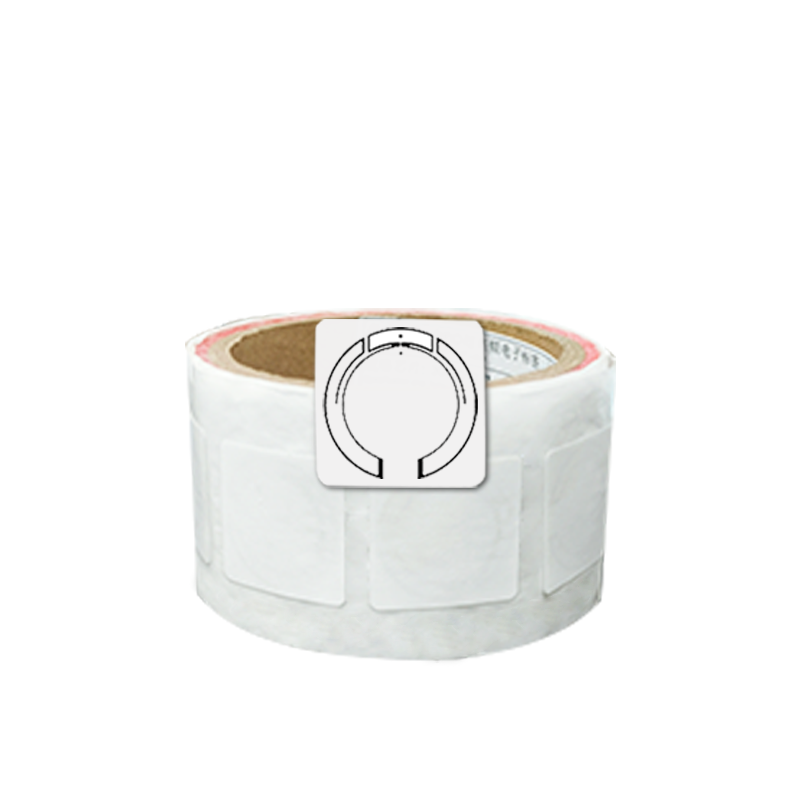
Metal can interfere with conventional RFID tag antennas when they are mounted directly on conductive surfaces. For metal tools, machinery, cabinets, and reusable containers, consider an appropriately designed on-metal or anti-metal RFID tag.
Check the tag's recommended mounting surface, dimensions, frequency, and installation requirements. Even an anti-metal tag can perform differently depending on its position, nearby objects, and reader configuration.
Consider the Materials Near the Tag
Liquids, metal packaging, dense materials, and stacked products can change how RF energy travels through a work area. A tag that performs well on an empty plastic container may behave differently when the container is full or placed beside metal equipment.
Test representative items under actual operating conditions rather than relying only on laboratory specifications.
Standardize Tag Placement
Where possible, apply tags in a consistent position and orientation across similar assets. Standardized placement makes it easier to configure readers and antennas and reduces variation between tagged items.
For assets with different shapes or materials, establish separate placement guidelines where necessary.
3. Optimize RFID Reader Antenna Placement
Antenna placement is one of the most important factors affecting read consistency.
A reader may have sufficient power and suitable tags yet still miss items because its antennas do not adequately cover the intended read zone.
Consider the following approaches:
-
Cover the full movement path: Position antennas so items remain within the effective read zone for enough time.
-
Reduce coverage gaps: Test for weak areas around shelves, conveyor edges, doorways, and storage racks.
-
Adjust antenna angles: Evaluate different angles and polarizations to accommodate the tag orientations used in the application.
-
Control unwanted coverage: Avoid directing antennas toward neighboring storage areas if tags outside the target zone must not be recorded.
-
Test at different heights: In multi-level storage or conveyor systems, the best antenna position may vary with the height of the tagged item.
For UHF RFID systems, circularly polarized antennas can help accommodate varying tag orientations, while linearly polarized antennas may perform well when tag orientation is controlled and aligned with the antenna. The right choice depends on the application and should be verified through testing.
Do not assume that adding more antennas will automatically improve performance. Poorly planned antenna layouts can create additional interference, increase system complexity, or produce reads from unwanted locations.
4. Adjust Reader Power and Inventory Settings
RFID reader settings influence which tags can be detected and how efficiently the reader communicates with them.
Tune Transmit Power
Increasing transmit power may help detect tags in weak-coverage areas, but excessive power can also cause the system to read tags beyond the intended zone. It may increase interference between nearby reader installations.
Use the lowest practical power level that achieves the required read performance across the target zone. Adjust power in controlled steps and record the results.
Review the Inventory Protocol Settings
UHF RFID readers use anti-collision mechanisms to inventory multiple tags. Depending on the reader and application, configurable parameters may affect how the reader handles tag populations and how frequently tags are inventoried.
When a large number of tags appear together, review the manufacturer's recommendations for dense-tag environments and inventory settings. Avoid changing several parameters at once; otherwise, it becomes difficult to determine which change improved or worsened performance.
Configure Session and Filtering Behavior
Reader session settings, reporting intervals, and software filters may affect whether a tag is reported repeatedly or remains detectable during a process.
The correct configuration depends on whether the application needs to detect every passing item, maintain an inventory of tags in a zone, or record a single event when an item crosses a checkpoint.
Coordinate RF settings with application logic so that repeated reads are handled correctly without suppressing legitimate events.
5. Manage High Tag Density in Busy Areas
Busy warehouses and production facilities often contain many RFID-tagged items close together. The system must identify the required tags without creating excessive delays or losing important events.
To improve performance:
-
Test with the maximum expected number of tags in the read zone.
-
Confirm that the reader supports the anticipated tag population and inventory workload.
-
Use appropriate reader inventory parameters for dense-tag applications.
-
Ensure tags are not unnecessarily stacked directly against one another in ways that degrade their antenna performance.
-
Separate reading events into defined zones when the workflow permits.
-
Validate that the software processes all required tag identifiers correctly.
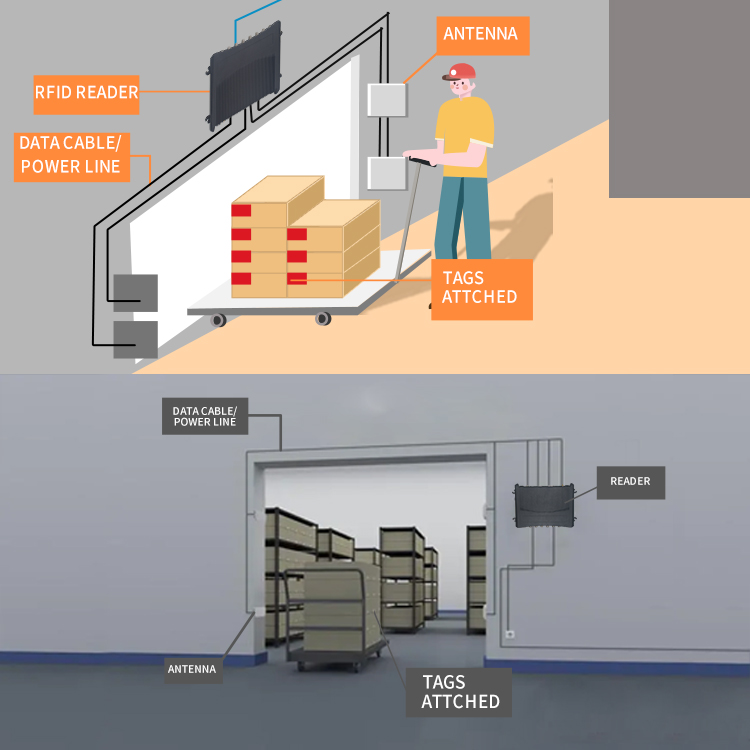
For example, a warehouse gate may need to identify multiple tagged cartons moving through the same area. The system should be tested with realistic carton spacing, movement speed, and tag orientations rather than with a single stationary tag.
If two nearby zones must be distinguished, consider a combination of antenna placement, power adjustment, shielding where appropriate, and software event logic. The solution should be validated to ensure it reduces unwanted reads without creating missed reads.
6. Reduce Interference From Nearby Equipment
Busy work areas may contain several RFID readers, wireless systems, electric motors, conveyor equipment, and metal structures. These elements can complicate RF performance.
Practical steps include:
-
Identify nearby RFID readers and other potential sources of RF interference.
-
Confirm that readers operate on permitted frequencies and comply with applicable regional regulations.
-
Coordinate reader timing or use supported reader-synchronization features where available.
-
Review antenna separation, orientation, and power settings.
-
Test the system while neighboring equipment is operating normally.
-
Investigate whether electrical noise or equipment faults are affecting the reader or its connections.
RFID systems do not all behave the same way, and not every read inconsistency is caused by interference. Compare system behavior with nearby equipment active and inactive where it is safe and practical to do so.
Avoid increasing power as the first response to every missed read. If the underlying problem is interference or a poorly defined read zone, higher power may make the problem worse.
7. Improve Read Consistency for Moving Items
When tagged items move through a read zone, the system has limited time to identify them. Conveyor speed, item spacing, tag orientation, and reader settings all affect the result.
For moving assets, consider:
-
Positioning antennas to cover the full passage area.
-
Ensuring that items remain within the effective read zone long enough to be identified.
-
Standardizing tag placement on cartons, pallets, or containers.
-
Testing at normal and peak operating speeds.
-
Checking performance when items are closely spaced or partially obscured by other objects.
-
Using application-level confirmation logic where appropriate.
A useful test is to send a known set of tagged items through the zone repeatedly at realistic speeds. Compare the expected number of unique tags with the number successfully recorded by the system.
Measure both missed reads and unwanted reads. A system that detects nearly every tag but also records items from adjacent areas may not be suitable for the workflow.
8. Separate RF Read Performance From Software Accuracy
An RFID system includes more than tags and readers. Middleware, inventory applications, databases, and network connections all affect the final result.
A tag may be successfully detected by the reader but fail to appear in the business application because of filtering rules, communication delays, duplicate-handling logic, or data-processing errors.
To troubleshoot effectively, check each stage:
-
Reader layer: Is the tag identifier detected by the reader?
-
Communication layer: Is the read event transmitted successfully?
-
Middleware layer: Is the event filtered or grouped correctly?
-
Application layer: Is the identifier mapped to the correct asset record?
-
Reporting layer: Are duplicate events and missed events handled appropriately?
Use reader logs or diagnostic tools to determine where the failure occurs. This prevents unnecessary changes to antennas or tags when the actual problem lies in software processing.
9. Establish a Repeatable Testing Procedure
Read consistency should be measured under controlled and realistic conditions rather than judged by a few successful scans.
A practical testing procedure includes:
-
Prepare a known set of tagged items.
-
Record the tag identifiers expected in each test.
-
Test different tag orientations and mounting positions.
-
Repeat the test at representative distances and movement speeds.
-
Include normal operating conditions, such as nearby equipment and typical inventory density.
-
Record missed reads, unwanted reads, and time required to complete each reading event.
-
Repeat tests after configuration changes to confirm that improvements are consistent.
Useful metrics include:
Read success rate
Read success rate = unique expected tags successfully detected ÷ total unique expected tags × 100%
For example, if 196 of 200 expected tags are detected during a defined test, the observed read success rate is 98%.
This figure applies only to that particular test. It does not guarantee the same performance in other environments or at different speeds and tag densities.
Also track unwanted reads, duplicate events, and end-to-end processing delays. Together, these metrics provide a more complete picture of system performance than read rate alone.
10. Create a Maintenance and Optimization Plan
Even a well-designed RFID system can become less consistent as the workplace changes. New shelving, relocated equipment, different packaging, damaged cables, or changes to inventory workflows may affect performance.
A maintenance plan should include:
-
Periodic inspection of tags and mounting points
-
Checks for damaged antennas, cables, and connectors
-
Verification of reader configuration after equipment changes
-
Review of read logs and error patterns
-
Retesting after layout or workflow changes
-
Documentation of approved tag models and reader settings
When replacing tags, use models that meet the original technical requirements. A visually similar tag may have a different antenna design, frequency, or performance profile.
Documenting the system configuration makes troubleshooting easier and helps preserve consistent performance as operations expand.
RFID Read Consistency Checklist
Before deploying or optimizing an RFID system in a busy work area, confirm the following:
-
Are the tags suitable for the materials and surfaces of the assets?
-
Is tag placement standardized where possible?
-
Do antennas cover the intended read zone without excessive spillover?
-
Has reader power been tuned rather than simply maximized?
-
Are inventory settings appropriate for the expected tag population?
-
Have nearby readers and potential interference sources been considered?
-
Has performance been tested at realistic speeds and tag densities?
-
Are reader logs and application records consistent?
-
Are missed reads and unwanted reads measured separately?
-
Is there a documented maintenance and retesting procedure?
Improving RFID tag read consistency in busy work areas requires a coordinated approach to tag selection, antenna placement, reader configuration, interference management, and software processing.
Start by identifying the conditions that cause missed or unwanted reads. Then optimize the tag and antenna configuration, tune reader settings carefully, and validate the results using repeatable tests that reflect actual operating conditions.
For warehouses, manufacturing facilities, and industrial asset-tracking projects, a properly tested RFID configuration can support more dependable identification and smoother workflows.
Need help selecting RFID tags or readers for a busy work environment? EFLDAY provides RFID tag and reader solutions for industrial identification and tracking applications. Share your tag type, asset material, reading distance, operating speed, and expected tag volume with our team to discuss a suitable configuration.